

Houston MSP Completes Zero-Downtime Hyper-V Migration for Manufacturing Company - With Zero Production Downtime
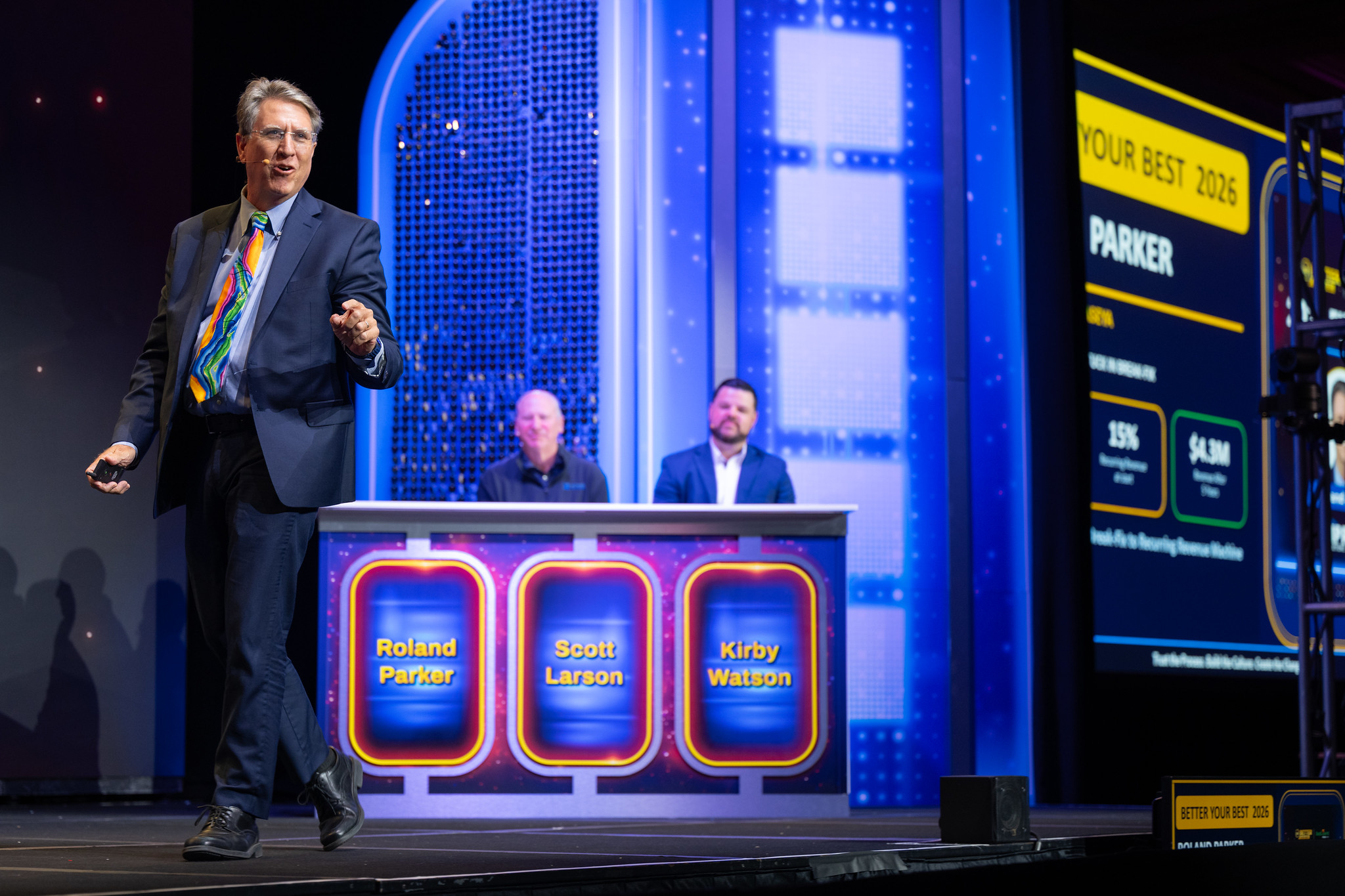
Roland Parker presenting to IT Pros on Zero Down Time Migrations
Manufacturers need Zero Downtime
Impress Computers migrates a manufacturing client's entire on-premises Hyper-V infrastructure — Domain Controller, SQL/RDP Server, and File Server / QuickBooks
The manufacturing client's entire IT backbone — Active Directory authentication, SQL Server business applications, Remote Desktop Services, SMB file shares, and a multi-user QuickBooks database — depended on a single aging Hyper-V server with no redundancy. Any hardware failure would have meant a total operational outage. Rather than risk an unplanned failure, the client engaged Impress Computers to execute a planned, parallel-host migration strategy.
"Manufacturing operations don't have the luxury of downtime," said a representative of Impress Computers. "Every minute of lost production has a real cost. Our approach was to build the new environment in parallel, validate everything before touching a single VM, and then migrate live — so the client's team never stopped working."
THE THREE VMs THAT HAD TO MOVE
Each virtual machine carried unique risks, dependencies, and migration requirements:
Domain Controller (Active Directory, DNS, DHCP) — The single domain controller meant any failure would take down authentication for every user. It was migrated first. All five FSMO roles were verified before and after the move. Result: zero authentication interruptions; all workstations kept working.
RDP / SQL Server (Remote Desktop Services, SQL Server, business application) — Active user sessions and live SQL transactions made this the most time-sensitive migration. The VM was live-migrated during off-peak hours with users notified of a brief reconnect. Result: no data loss; SQL health checks passed; users reconnected within 30 seconds.
File Server / QuickBooks (SMB file shares, QuickBooks multi-user database host) — Open file handles and QuickBooks company file integrity required a coordinated close of the company file before storage migration. Shares were remapped after the move. Result: all shares accessible; QuickBooks multi-user mode confirmed working.
A FIVE-DAY MIGRATION, ZERO DISRUPTION
Day 1 — New Host Build & Configuration: Hardware racked, Windows Server 2025 installed, Hyper-V configured, virtual switches set up, network validated, and Acronis backup pre-installed.
Day 2 — Pre-Migration Preparation: Live Migration prerequisites confirmed, VM inventory finalized, user communications sent, and final storage and network throughput tests completed.
Day 3 — Migration Day: Domain Controller migrated in the morning; RDP/SQL Server at midday; File Server / QuickBooks in the afternoon. All three VMs moved via Hyper-V Live Migration while users were actively working.
Days 4–5 — Validation, Backup & Decommission: A 48-hour parallel operation window kept both hosts online with rollback available. Full Acronis backup jobs were reassigned to the new host. Zero issues detected. The legacy server was gracefully shut down and decommissioned.
REAL-WORLD COMPLEXITY — SIX CHALLENGES OVERCOME
This was not a textbook migration. The white paper documenting the project is candid about the technical obstacles encountered and exactly how each was solved:
Single Host, No Redundancy — All three VMs sat on one aging server, so any failure meant a total outage. Solution: a parallel host strategy that built the destination before moving any VM.
QuickBooks Data Integrity — Multi-user mode requires a clean company file closure before storage migration. Solution: a brief, planned exit window coordinated with QuickBooks users.
Active RDP Sessions — Users were connected to the RDP server throughout the workday. Solution: Live Migration required only a sub-30-second reconnection.
SQL Server Continuity — Live SQL transactions had to stay consistent during the VM handoff. Solution: in-memory state preserved by Live Migration; post-move health checks confirmed zero data loss.
FSMO Role Integrity — Active Directory FSMO roles must stay healthy throughout a DC migration. Solution: all five roles verified before and after, and transferred cleanly.
Backup Coverage Gap — Moving VMs off the old host risked a window with no backup protection. Solution: Acronis pre-installed on the new host, with jobs reassigned immediately after each VM arrived.
PROVEN OUTCOMES
3 of 3 VMs successfully migrated
0 minutes of production downtime
100% data integrity confirmed
48-hour parallel validation window
Backup coverage restored on Day 1
5-day total project duration
A free technical white paper — "Zero-Downtime Server Migration for Manufacturing Companies" — is available for download at impresscomputers.com/zero-downtime-on-premises-server-migration/. The white paper includes the complete step-by-step methodology, VM migration protocols, QuickBooks procedures, AD and FSMO verification steps, backup strategy, and five durable lessons any IT team can apply to their next on-premises server migration.
ABOUT IMPRESS COMPUTERS
Impress Computers (Impress IT Solutions) is a Houston, Texas-based managed service provider with deep expertise in on-premises infrastructure, cloud migrations, Hyper-V virtualization, and end-to-end IT management for small and mid-sized manufacturing and industrial businesses. Serving Houston, Katy, Sugar Land, The Woodlands, and surrounding areas since 2009, the company specializes in zero-downtime migrations, server lifecycle management, and keeping manufacturing operations running without interruption.
Services include managed IT services, network security, Microsoft 365 and Azure migrations, compliance support, and secure file sharing. The company offers a 15-minute IT response guarantee.
Roland Parker
Impress Computers
+1 281-647-9977
email us here
Visit us on social media:
LinkedIn
Facebook
YouTube
Skip navigation Search Create 9+ Avatar image Why Impress Computers Is The Brand You Can’t Live Without
Legal Disclaimer:
EIN Presswire provides this news content "as is" without warranty of any kind. We do not accept any responsibility or liability for the accuracy, content, images, videos, licenses, completeness, legality, or reliability of the information contained in this article. If you have any complaints or copyright issues related to this article, kindly contact the author above.
